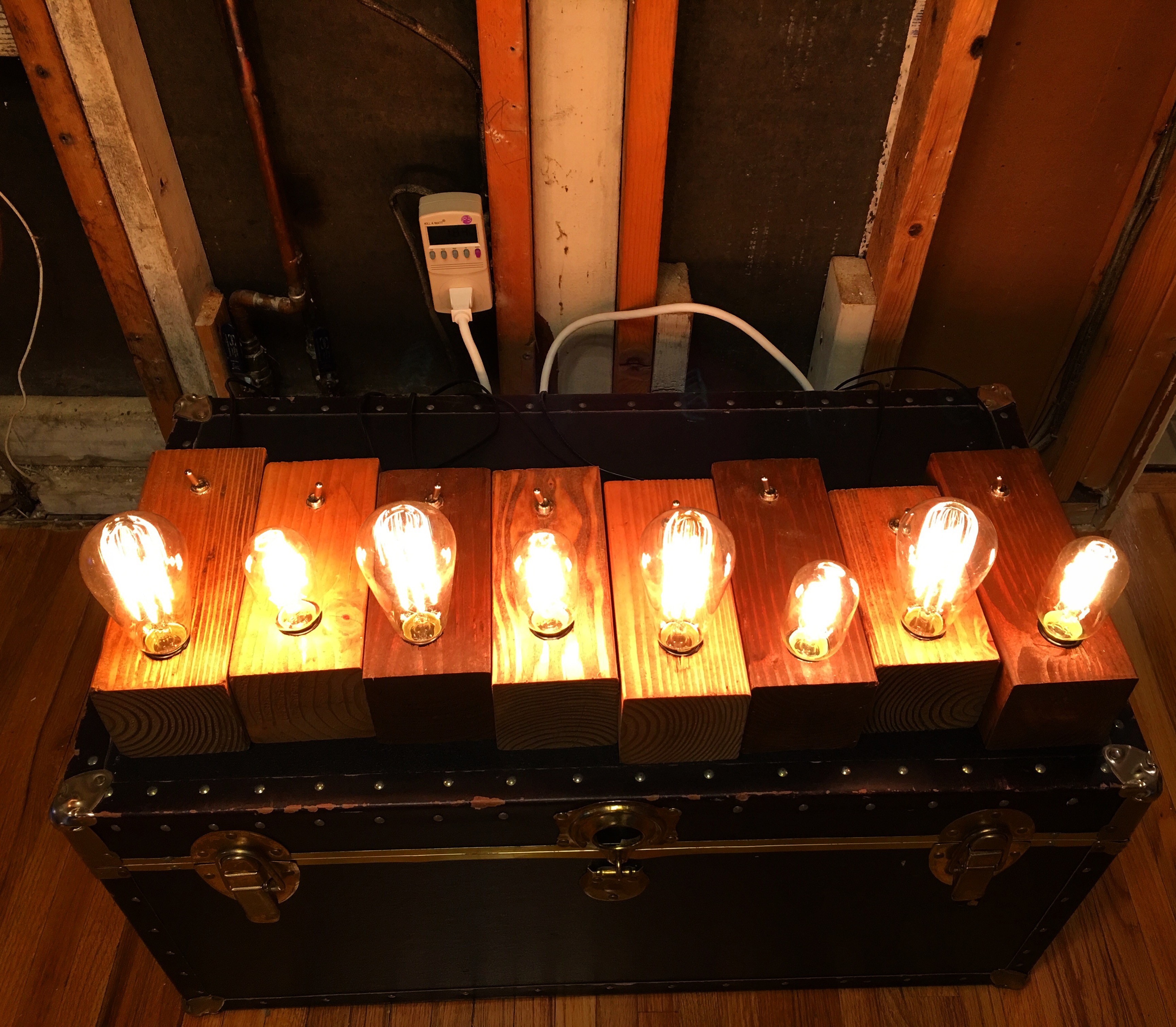
Coffee Table
Posted by Dave Eddy on Dec 25 2015 - tags: diyA coffee table made with 4x4’s for legs, 2x4’s for the frame, and 1x4’s for the table top. All joints are made with a good old hammer and nail.

Coffee Mug Rack
Posted by Dave Eddy on Dec 20 2015 - tags: diyA coffee mug rack made out of strictly 1x4 pieces nailed and glued together. I don’t have many pics of this project in progress.
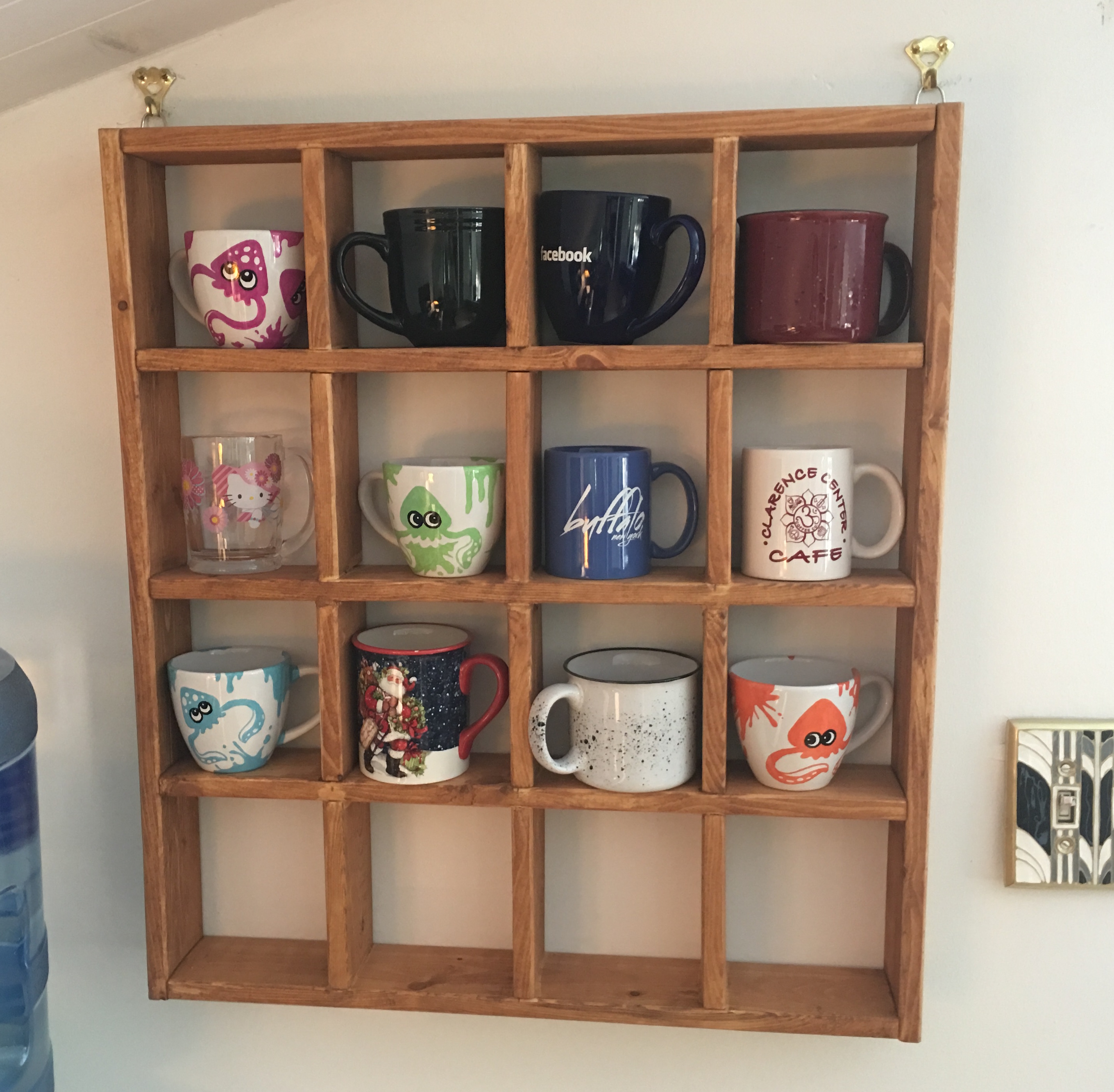
Nightstand
Posted by Dave Eddy on Dec 06 2015 - tags: diyA simple nightstand made with 2x4’s for support, and 1x4’s for looks. The top is made out of 1x6 cedar pieces, and inside is an LED bulb to give the piece an inner glow.
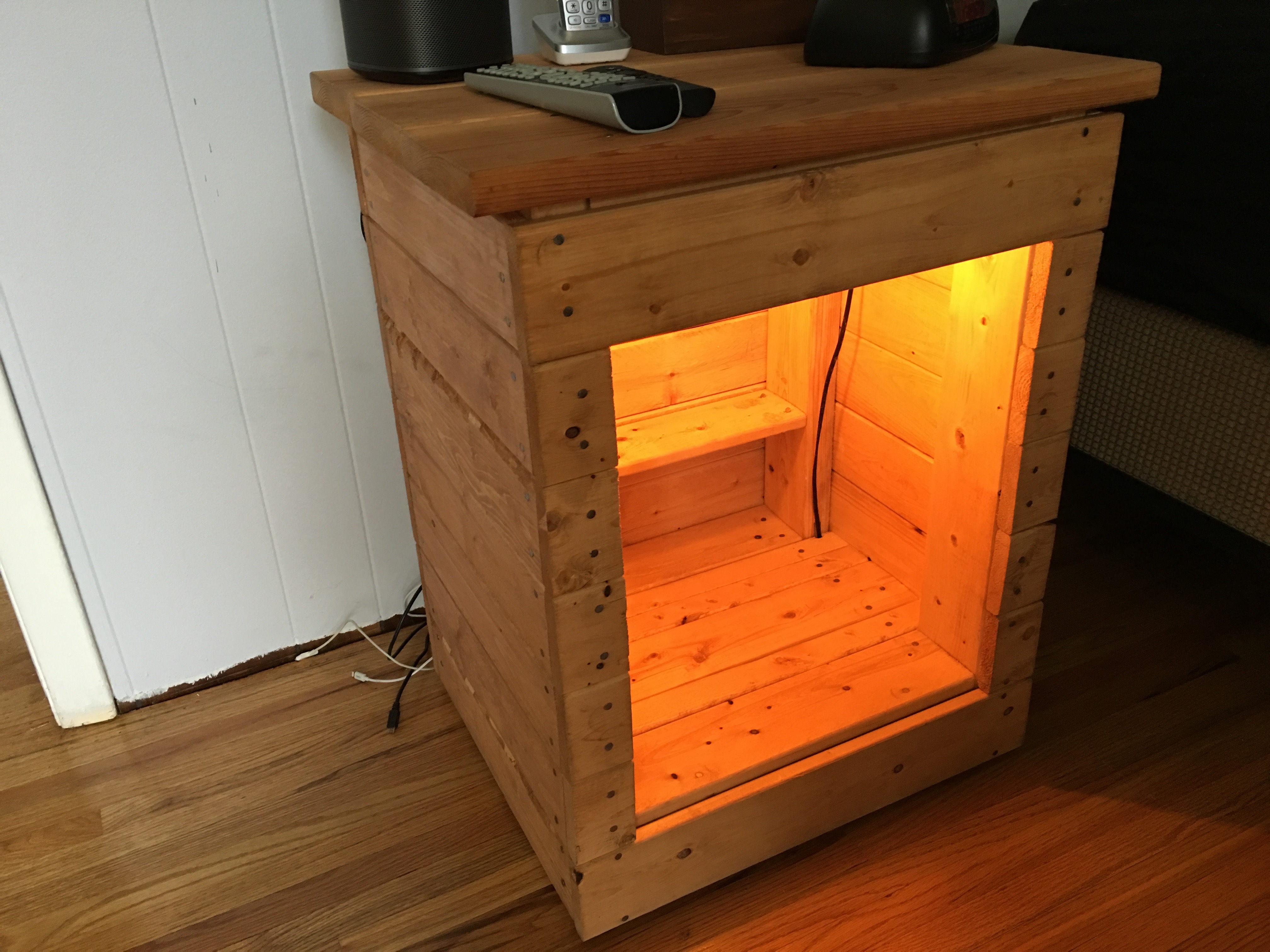
Outdoor Wood Rack
Posted by Dave Eddy on Dec 05 2015 - tags: diy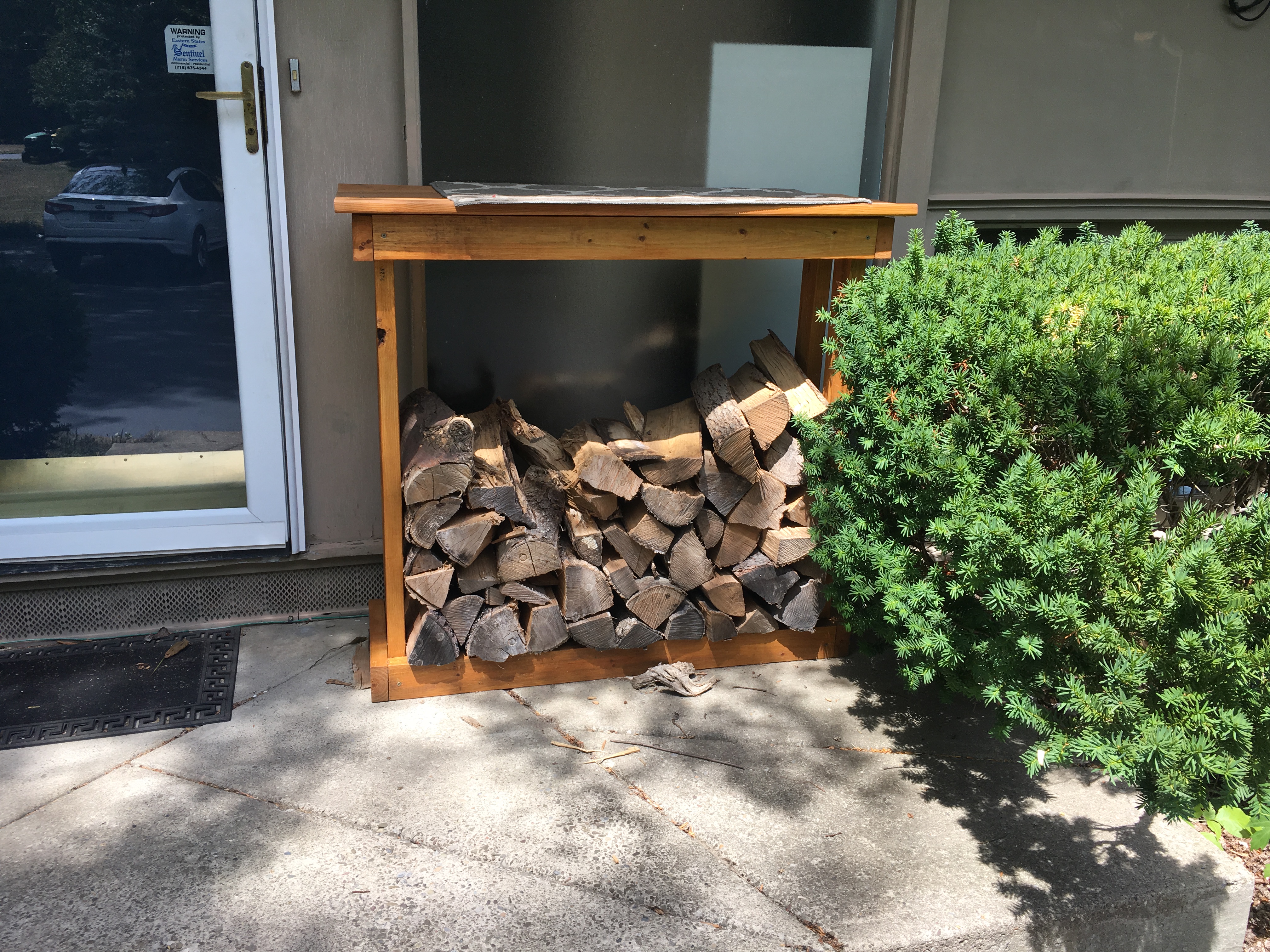
Automatic ZFS Snapshots and Backups
Posted by Dave Eddy on Dec 05 2015 - tags: techI recently made a new storage server to replace my old one
to keep up with my growing space requirements (I think 40T should hold me over
for a while!). I store all of my movies, music, tv shows, etc. on it, as well
as all of my backups. All of my laptops and desktop computers also backup to
this server using rsync.
While it’s all stored on SmartOS using the ZFS filesystem in a raid setup that can handle 2 or more drive failures without data loss, it still worries me because it is all stored in one physical location: my closet. If there is a fire or some other disaster like that, all of my data could potential be lost.
To remedy this, I’ve repurposed the server I replaced (my old storage server) to be an off-site backup server that is used solely for ZFS receive. This server now runs FreeBSD, which you can read about in my blog post here
Automatic Snapshots
Before diving into my off-site backup solution, the first thing to talk about is how I handle automatic ZFS snapshots, and also removing snapshots as they get too old.
zfs-snapshot-all
https://github.com/bahamas10/zfs-snapshot-all
Recursively snapshot all zpools
I use this program to snapshot all zpools on my new storage server automatically in cron. My crontab looks something like this:
ZFS Zpool Encryption with Geli on FreeBSD
Posted by Dave Eddy on Dec 04 2015 - tags: techI recently set up a server at my buddies house for remote, off-site, backups using ZFS send/recv. Since SmartOS is lacking any sort of encryption for ZFS I instead used FreeBSD with geli. This way, I get the benefits of ZFS incremental send and receive for doing backups, with the security of knowing my data is encrypted on disk.
To ensure maximum security, I made sure the passphrase for unlocking the drives was not stored anywhere on the server itself, and instead would require manual intervention on my part to decrypt the drives anytime the server is rebooted. To do this, I created 2 pools:
zroot- the main pool, mounted at/, unencryptedpaper- the pool used for backups, mounted at/paper, encrypted
The server will boot into the operating system automatically, and from there I
must run a script to unlock the drives and import the paper pool.
PS: The zpool is called paper because the server is called paperdyne. That name
was cleverly derived from dataDyne (my storage server)
and @papertigerss (my buddy whose house this server now lives).
Setup
Install FreeBSD
The first step, of course, is to install FreeBSD. Go to the website, make a bootable USB (or DVD, or CD, or whatever) and install it.
dataDyne2 - 40T Hypervisor
Posted by Dave Eddy on Nov 22 2015 - tags: techIt’s been 5 years since I created my first storage server and was now approaching full capacity - I was at 90% used out of 9.5TB available. I built a new server with over 40TB usable to replace this server, and will be using the old server for offsite backups eventually.
The new server will run SmartOS like the server it is replacing, and will run almost all of the same zones as the original
Parts
Server parts
- 20x Hitachi Global Storage 0B26885 UltraStar 4TB SAS2 3.5in 7200RPM 64MB Bare
- 5x Cable Matters® Mini-SAS to 4 SATA Forward Breakout Cable - 1m
- 3x SAS9211-8I 8PORT Int 6GB Sata+sas Pcie 2.0
- 2x Crucial 16GB Kit (8GBx2) DDR3/DDR3L-1600MT/s (PC3-12800) DR x8 ECC UDIMM Server Memory CT2KIT102472BD160B/CT2CP102472BD160B
- 1x Thermaltake Cooling Fan for Intel Core i7/i5/i3 CL-P0556
- 1x SUPERMICRO MBD-X9SCL-F-O LGA 1155 Intel C202 Micro ATX Intel Xeon E3 Server Motherboard
- 1x Intel Xeon Quad-Core Processor E3-1230 v2 3.3GHz 8MB LGA 1155 CPU LGA BX80637E31230V2
- 1x Corsair CX Series 750 Watt ATX/EPS Modular 80 PLUS Bronze ATX12V/EPS12V 744 Power Supply CX750M
Rack and case parts
- 1x Tripp Lite SR4POST13 13U 4-Post Open Frame Rack Cabinet Square Holes 1000lb Capacity
- 1x NORCO 4U Rack Mount 20 x Hot-Swappable SATA/SAS 6G Drive Bays Server Rack mount RPC-4020
- 1x RL-26 26” 3-sections Ball Bearing Slide Rail
- 1x Norco 120mm fan wall bracket
- 3x Noctua NF-P12 120mm x 25mm Cooling Fan 3-Pin - 1300 RPM
- 2x Noctua NF-R8 80mm Fan (31 CFM)
Specs
The new build has 20x 4TB SAS drives, 32GB of ECC ram, and an Intel Xeon Quad Core 3.3GHz processor.
Memory
# prtconf | grep Memory
Memory size: 32740 Megabytes
Processor
# psrinfo -vp
The physical processor has 4 cores and 8 virtual processors (0-7)
  The core has 2 virtual processors (0 4)
  The core has 2 virtual processors (1 5)
  The core has 2 virtual processors (2 6)
  The core has 2 virtual processors (3 7)
    x86 (GenuineIntel 306A9 family 6 model 58 step 9 clock 3300 MHz)
      Intel(r) Xeon(r) CPU E3-1230 V2 @ 3.30GHz
Graphite Quick-Start on SmartOS
Posted by Dave Eddy on Oct 14 2015 - tags: techGraphite is an open source system for graphing data. It manages storing data (in a database format called “whisper”), as well as graphing data (with a project called “graphite-web”).
These instructions are fairly platform-independent, and should work on any Unix operating system - the only SmartOS specific bits will be at the end to create SMF services that ensure the services will start at boot.
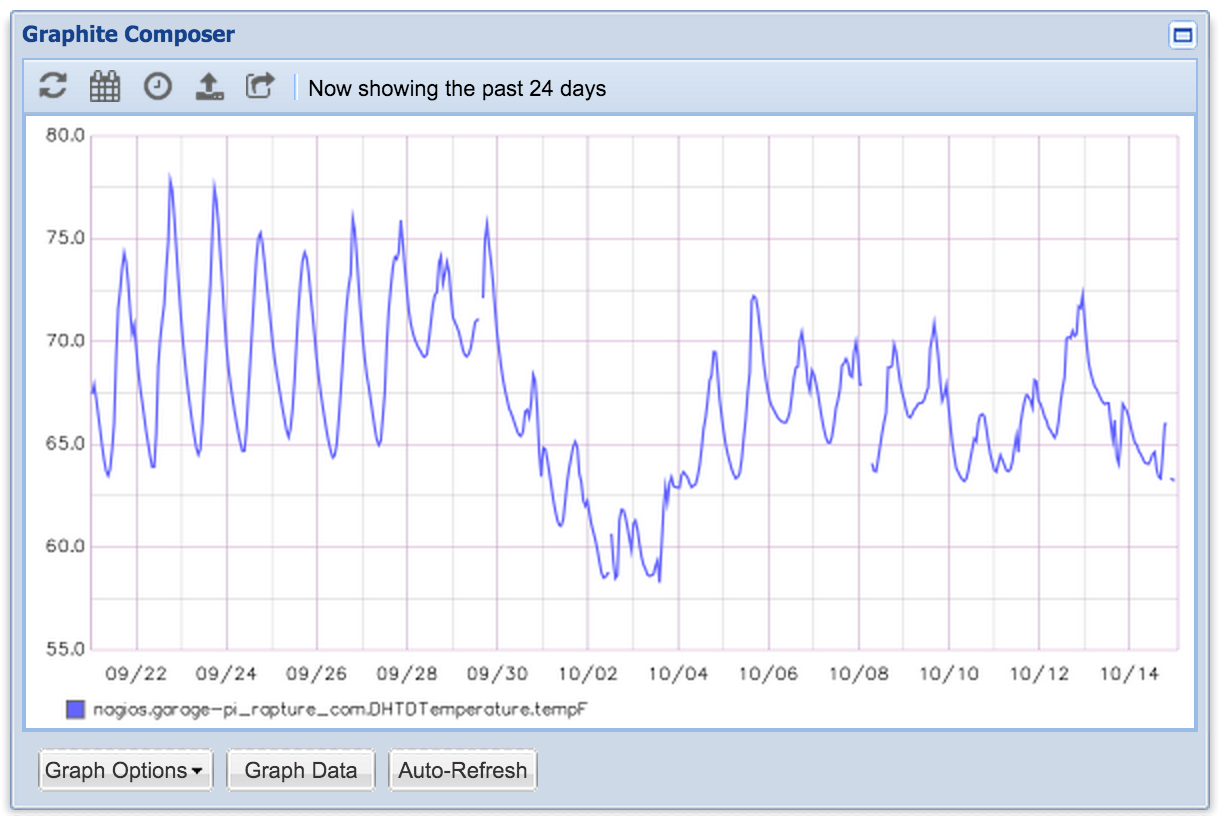
The above graph is the temperature of my garage, as monitored by a Raspberry Pi, over a 1 month period.
Overview
There are 3 projects that will be used to setup the graphite server:
carbon- stats receiving daemon (calledcarbon-cache) that manages storagewhisper- database file format used by carbon to store datagraphite-web- web interface to compose graphite graphs
Prerequisites and Dependencies
To get started, create a user for the graphite services to run as:
groupadd graphite
useradd graphite
Sending Email on the Command Line
Posted by Dave Eddy on Aug 24 2015 - tags: techSending email on the command line is nothing new; In fact, it is not even all that exciting. When I got Nagios up and running at home, I needed an easy way to have it email me whenever there was an alert. When I worked at Voxer as an Operations Engineer I created a program to allow Nagios to generate HTML emails - now all I needed at home was to allow outbound email.
This, however, turned out to be more difficult than I thought, mostly because I was (and largely, still am) ignorant to the intricacies of the various email protocols in use today on the Internet. Joyent released a blog post when I was setting this all up that went over the various options for sending email from a SmartOS server. One of the options they mentioned but didn’t choose to implement really caught my eye: Google’s free SMTP server. Since my main email address is a gmail address (well, Google Apps), this route seemed perfect.
gmailx
gmailx was born! From the documentation:
Send email easily on the command line without running a server
This program is basically mailx but hardwired for Gmail (hence the name). Usage is simple: